
A quiet writing app for iPhone and iPad
Keep the pen.
Write in your own words. When a question might help, it waits in the margin — and nothing reaches your page unless you plant it.
Free to download in the UK and US. Requires iOS 27 or iPadOS 27.
The last ferry
The last ferry on a Sunday leaves at 18:40, earlier than I remembered. We ran the length of the pier and watched it go.
So we stayed. The island was quieter than I have ever seen it, and nobody seemed to mind.
Click or tap the note to move the cursor. With the keyboard, the arrow keys move it. A planted question goes on its own line at the cursor, and any words after the cursor continue below it.
Question
What made the island quieter than you have ever seen it?
a possibility, not a claim
From your note: So we stayed. The island was quieter than I have ever seen it, and nobody seemed to mind.
Nothing yet.
Questions appear after a pause in your writing. A quiet margin is normal when there is no useful question.
Write. A calm page, and your own words.
The film
Keep the pen.
A film about finding your own words.
A thought. A small question. The next sentence is yours.
Read the transcript
Opening quotation on screen, Winston Churchill at Harvard, 1943: “...to establish the reign of justice and of law among men.”
Words have moved nations. Changed minds. Brought us back to each other.
We can ask a machine to fill a page in seconds. But a page full of words isn’t always a voice.
Before a word is written, there is a person. Someone with something to say. A thought they haven’t quite found. A feeling that won’t leave them alone. Language is our crown jewel. And it belongs to all of us.
Sometimes the sentence that matters takes a little longer. It begins with a pause. A doubt. A line only you would write.
I keep taking the long way home. I can’t tell whether I love the walk or am putting off arriving.
What if technology gave that thought somewhere to go? What makes you keep taking the long way home? Or: What if the walk holds the answer to why you delay arriving?
A small question. A new direction. And the pleasure of finding your own way. Margin leaves the next sentence to you.
We have never needed fewer human voices. We need the one only you can bring. Your strange beginnings. Your unfinished thoughts. Your own way of seeing.
Try the same first line. Where would yours go? Margin. Keep the pen.
Film credits
Churchill at Harvard, 1943: Universal Newsreels, via the Internet Archive. Historic document images: The Metropolitan Museum of Art, Gift of Edward S. Harkness, 1935; and the U.S. National Archives, Record Group 360.
Additional photography and footage: Monstera Production, K, cottonbro studio, Tima Miroshnichenko and Diana / Pexels. The chatbot scene and seed examples are illustrative; the Margin screen recording is from the app.
How it works
Write first. The margin waits.
Margin is built around your own words, not around prompts. Its questions are small, they come late, and silence is allowed.
On iPad, when there’s room, the margin sits in a column beside your note instead of an orb. And when you want a deliberate look back over a whole note, Ask for a reflection.
-
Write
Start with a title, or don’t. Headings, lists and emphasis sit in a bar above the keyboard, and the page stays clear when you don’t need them.
-
Pause
About two seconds after you stop, Margin reads the passage you’re working on. If a question would genuinely help, the orb in the corner shows one is waiting. Often nothing comes, and that’s normal.
-
Choose
Tap the orb to read the question beside your note. Plant puts it on your page as its own line, yours to answer, edit or delete. Dismiss lets it go, and Margin avoids asking it again. Quiet turns the margin off until you want it back.
Photos
A picture can start a question too.
Add a photo from your library or the camera. It joins your note straight away. On an iPhone that supports image reading, you can keep writing while Margin reads it; a question that cites the photo shows where it came from.
-
Always within reach
The photo button sits at the start of the bar above the keyboard, beside formatting, so it never scrolls out of sight. Tap it for Photo Library or Take Photo; hold it to go straight to the camera.
-
Placed, then read
On a device that can read the picture, gold dust and ink gather at its edges during the reading. If it can’t be read, it simply stays in your note as it is.
-
Questions that show their source
A question that cites the attached photo carries its thumbnail on the card, alongside the words it connects to. Most questions still come from your writing alone.
The app accepts one photo per note from your library or camera. This interactive illustration uses invented photos and staged reading and questions; it does not analyse anything you choose here.
The last ferry
The last ferry on a Sunday leaves at 18:40, earlier than I remembered. We ran the length of the pier and watched it go.
So we stayed. The island was quieter than I have ever seen it, and nobody seemed to mind.
Click or tap the note to move the cursor. The photo button is at the start of the bar above the keyboard.
Question
 From your photo and your note
Your photo has the ferry’s lights still on the water. How long did you stay on the pier after you watched it go?
a possibility, not a claim
Nothing yet.
Questions appear after a pause in your writing. A quiet margin is normal when there is no useful question.
Photos
Sample photos— it stays in this browser tab and isn’t read.

Photo
Description
Written by Margin on this iPhone. You can edit it.
Attach. The photo button sits at the start of the bar above the keyboard.
Focus, Explore, Wonder
Three ways to be asked.
Modes change the kind of question, not how accurate it is. Every question starts from your own words, and each card can show the words it’s about.
One fictional note
The last ferry
The last ferry on a Sunday leaves at 18:40, earlier than I remembered. We ran the length of the pier and watched it go. So we stayed. The island was quieter than I have ever seen it, and nobody seemed to mind.
-
Focus
Careful questions about exactly what you wrote.
What made the island quieter than you have ever seen it?
About the words: “quieter than I have ever seen it”
For students, essayists and anyone refining an argument. The default.
-
Explore
Fresh angles on your words — comparisons and other points of view.
How would someone who caught the 18:40 tell this Sunday?
About the words: “The last ferry on a Sunday leaves at 18:40”
For journal writers, designers and people working through a decision.
-
Wonder
Playful what-ifs. Clearly imagined, never claims about you.
What if the island had wanted you to miss the ferry?
a possibility, not a claim
About the words: “watched it go”
For novelists, poets, screenwriters and world-builders.
These questions were written for this page to show each mode’s temperament. In the app they come from your own writing, and a pause can bring none. Change mode from the orb, or in Settings › How the margin asks. The moving drawings illustrate the character of each mode.
Keep the pen
Margin asks. You write.
A few rules the margin keeps, so the page stays yours.
-
It never writes for you.
No drafting, no rewriting, no finishing your sentences. Margin doesn’t continue your paragraphs, and it doesn’t look things up.
-
Nothing joins your note unless you plant it.
Questions wait in the margin until you choose. A planted question is an ordinary line on your page — answer it, edit it or delete it.
-
Questions start from your words.
Each one is grounded in what’s already on the page. They are invitations to look again, not facts to trust.
-
Silence is part of the design.
Many pauses bring nothing. When there’s no useful question the margin stays quiet — and Quiet turns it off altogether.
-
Your writing stays with you.
Questions are made on your iPhone or iPad — with Apple Intelligence where it’s available, and simpler built-in rules where it isn’t. No Margin account is needed. Read the privacy policy.
Made for writing
Everything else stays out of the way.
Everything in this list is part of the free app.
- Formatting, without clutter
- Headings, bold, italic, underline and lists live in a bar above the keyboard, alongside a button for adding a photo from your library or camera. Start a line with -, * or 1. to begin a list.
- Word, PDF and share
- Export a note as a Word document or a PDF with its headings, emphasis and lists — or share and copy the words.
- Pin, select and recover
- Pin the notes that matter, act on several at once, and recover anything deleted in the last 30 days.
- Siri and Shortcuts
- Start a new thought, add to a note, search your notes, or ask Margin to find exact excerpts — on device. Availability depends on your device, language and region.
- iPhone and iPad
- On iPhone the margin waits in a small orb. On iPad, when there’s room, it sits in a column beside your writing, never over it.
- Paper by day, charcoal by night
- Warm cream in light mode, charcoal in dark. Lora for your words; the system font for everything else.
What we believe
A small rebellion against AI slop.
Language is humanity’s crown jewel; Margin lets AI spark the imagination while keeping the pen in human hands.
Language carries generations of human imagination. The models trained on it owe their possibilities to that inheritance. Margin stands against disposable AI slop and for the care, curiosity and unmistakable voice of a person making something their own.
Language models can invent things that aren’t true, often called hallucinations. Margin channels their capacity for unexpected associations into questions and clearly imagined possibilities. A surprising what-if can loosen a plot, challenge an assumption or suggest a fresh image. You supply the judgment, the meaning and the words.



Make room on your iPhone or iPad.
Margin is now on the App Store in the UK and US, for iOS 27 and iPadOS 27. Download it and start writing in your own words.
Writing, Focus and iCloud Sync are free. Explore and Wonder are available together through an optional monthly subscription. The App Store shows the local price before purchase.
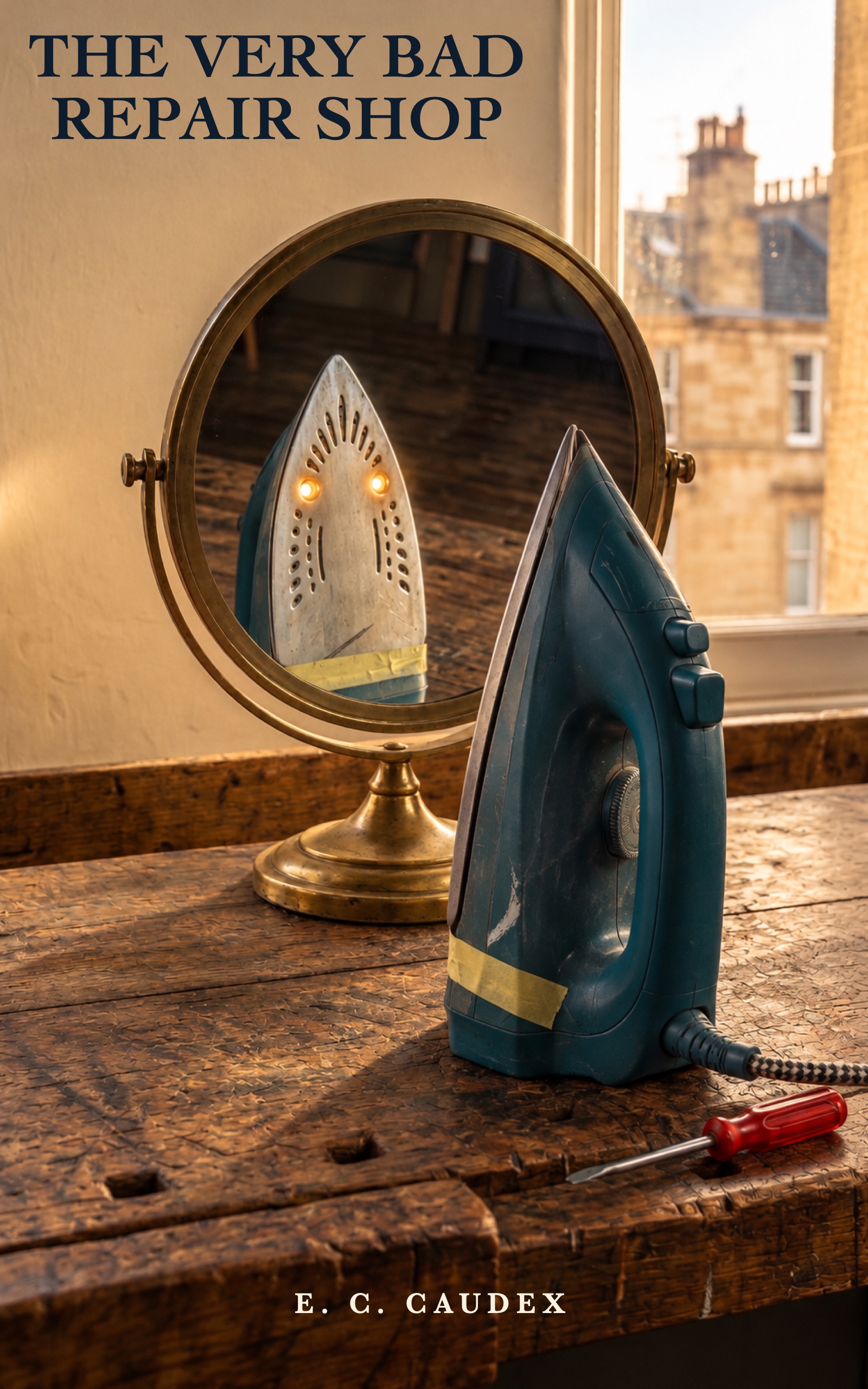
New fiction from E. C. Caudex
The Very Bad Repair Shop
Lewis can fix a kettle in seconds. He is less good at admitting why it broke again. Then a toaster bites him, his grandfather’s sewing machine loses its tiny inhabitant, and the Partick repair shop’s most useful shortcut begins to look like its worst mistake.
Read on Amazon KindleKindle edition · Also on Kindle Unlimited
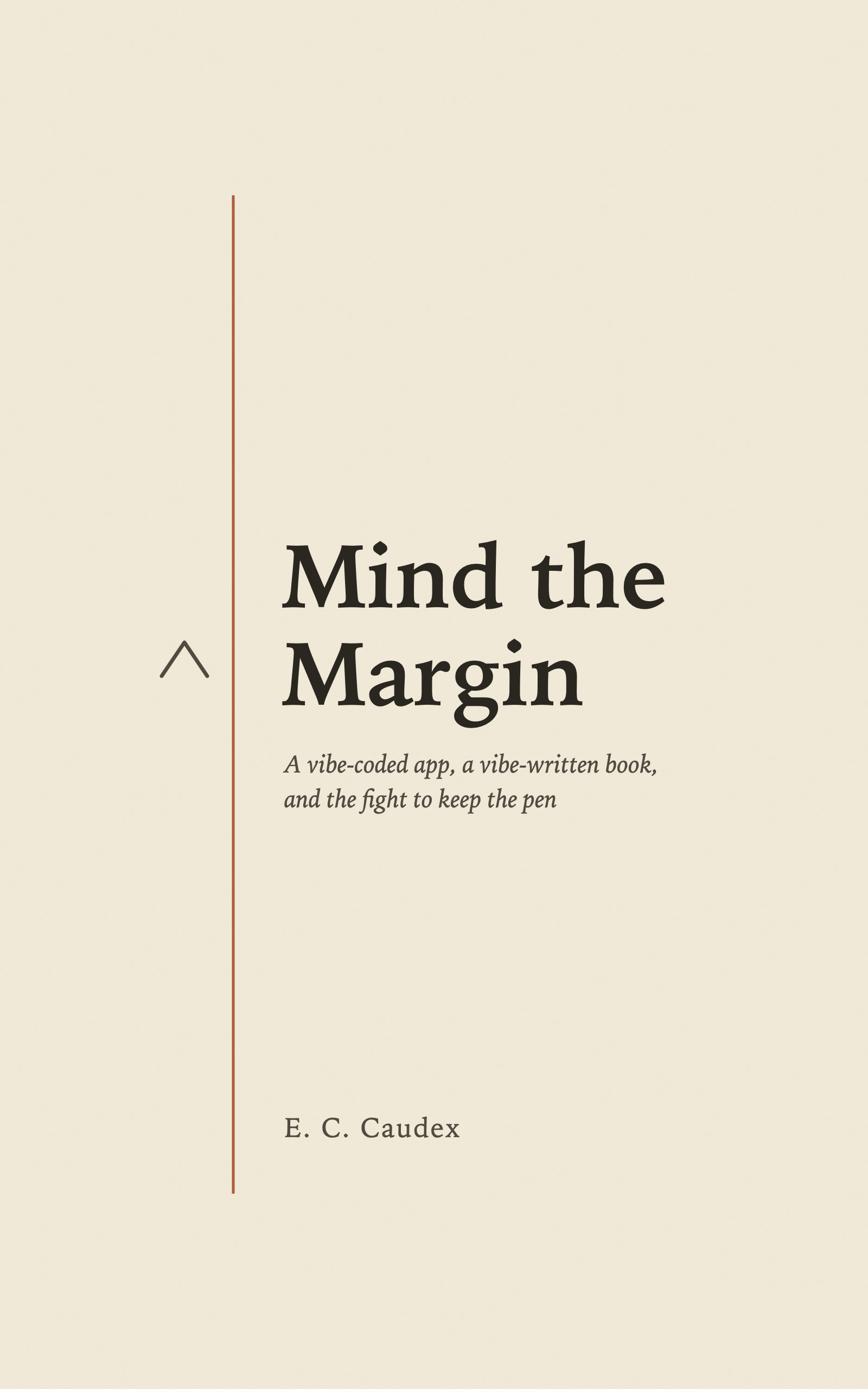
The story behind Margin
Mind the Margin
A vibe-coded app, a vibe-written book,
and the fight to keep the pen
What happens when you use AI to build an app that asks people to keep their own words? A wry, candid account of making Margin: the hopeful ideas, the stubborn bugs, and the awkward question of when help becomes a substitute for thought.
Discover the book on AmazonKindle edition · Also on Kindle Unlimited
Created with AI under human direction. Part of the experiment it describes.
About Margin
Independent. Made in Glasgow.
Margin is an independent, self-funded writing business founded in Glasgow in September 2026, operated by Eric Anthony as a sole trader.
Eric used Claude Code to help develop and test Margin under his direction. The app's current features work on your device. We're planning more powerful, optional cloud features that you choose when to use. A little about what's ahead.
For business or support enquiries, email eric@thinkmargin.co.uk.